Overview
Pique Interests is a topic-based event discovery platform that aims to make it extremely easy to find and submit events.
For casual explorers, Pique Interests is the perfect place to discover events and learn more about whatever piques your curiosity. All events listed on the site are organized by topic. If you’ve ever been curious about something but didn’t know where to begin, Pique Interests is the perfect place to discover an event to help you learn more. Learn more about how to discover events on Pique Interests…
For enthusiasts, Pique Interests is an outlet for leaning into your hobby, and meeting like-minded people. If you’d like to get even more involved, you can become a community moderator, which allows you to review and curate the lists of events that appear on Pique Interests. Learn more about how to become a Community Moderator.
For event organizers and industry professionals, Pique Interests allows you to submit your events with minimal effort. Our event submission automations make it incredibly easy to list your event without the need to fill out time-consuming forms. You can apply to become an approved submitter today. Learn more about becoming a Verified Event Contributor…
Basic Usage
Discovering Events
Pique Interests is an aggregate of event information, and is not necessarily up-to-date with the latest details. Please be sure to visit the official event websites before you attend an event.
The Search Bar

The quickest way to find events is with the search bar at the top of the event list.
Search by Event Details
You can ‘search for events’ here by keyword, venue name, topic, etc.
Search by Location
Use the “In a location” field to narrow your search by location.
Views
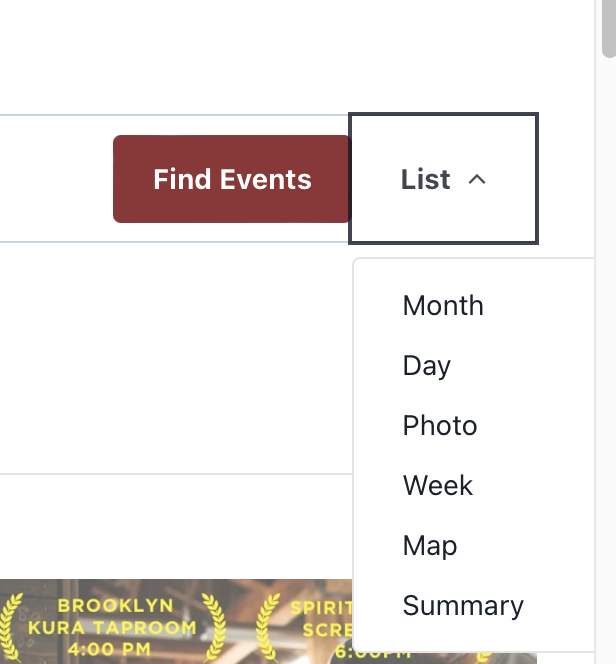
On the far right side of the search bar is a dropdown menu where you can select different ways to view events.
- List (default) – A convenient list of events along with promo images and other essential info.
- Month – A traditional month calendar view.
- Photo – A grid of promo images for events.
- Week – A traditional week calendar view.
- Map – View upcoming events on a map. Best when looking at events in a single city.
- Summary – A condensed agenda view
Single Event View
Click on an event from any of the aforementioned views to open a view with all the specifics about the event.
The Add to calendar button on this view allows you to add that specific event directly to your calendar.
Filters
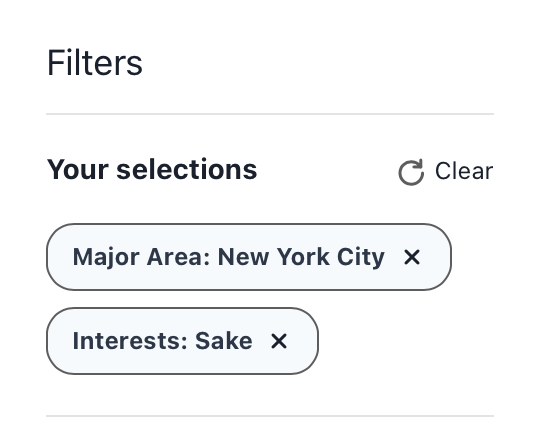
Our filter bar is a great way to narrow down our list of events to the ones most relevant for you. Filter
- Major Area – Events are organized by addresses, but also major metropolitan areas. You can use this filter to see all of the events within a city and nearby. If you want to see events in Manhattan, Queens, Brooklyn, etc. select New York City from this list.
- Topics – A list of event communities on Pique Interests. Filter by one or more topics that interest you from here.
- Featured Events – You can look at Pique Interest’s featured events by using this filter.
- Date From – Date range filter “from” date.
- Date To – Date rage filter “to” date.
- Local City – Use this filter to look at more specific locations as they appear on the venue address. For example, use this to look at events only in Brooklyn, but not Manhattan.
- Country – Filter by country.
Subscribing to Pique Interests
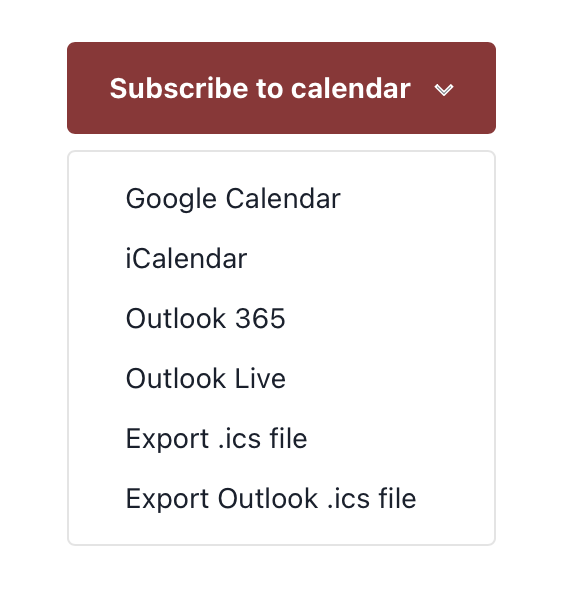
There are several options for subscribing to Pique Interests from your favorite calendar app. We recommend using the filter to choose your location and any topics you are interested in. Once you select your filters, click the Subscribe to calendar button to subscribe to that filtered version of the calendar. You can even subscribe multiple times to different filters to keep different types of events separate. Please note that this feature will only show the next 30 events at a time on your filter settings.